
Product release
Introducing Designcenter Solid Edge 2027
Discover how smarter assistance, faster workflows and an upgraded overall design experience in Designcenter Solid Edge 2027 helps teams reduce repetitive work, collaborate at speed and move from idea to production with less effort.
A complete product
development portfolio
Designcenter Solid Edge is a portfolio of affordable, easy-to-use software tools that address all aspects of the product development process. Designcenter Solid Edge combines the speed and simplicity of direct modeling with the flexibility and control of parametric design – made possible with synchronous technology.

Cloud
Designcenter Solid Edge delivers cloud-ready design – on your terms. Designcenter Solid Edge delivers the cloud capabilities you need, by providing easy access to professional 3D CAD across different devices, instant configuration of your CAD environment to your personal preferences, and the ability to quickly share your data across your design resources and with suppliers and customers.
With cloud-ready Designcenter Solid Edge, the need for IT support is limited. Freeing them up to work on productivity enhancing projects instead of daily system maintenance.
Mobility
Recent developments in tablet devices are bringing major benefits to designers who need full access to their design projects while in the office, in the shop floor, and when traveling to meet with suppliers or customers.
Using Designcenter Solid Edge on the Microsoft Surface™ Pro tablet or Surface Book gives you full access to your 3D computer-aided design (CAD) projects on a high-performance device, whether you’re working in a research and development (R&D) laboratory, on the shop floor, or traveling to meet with suppliers and customers. And the free Designcenter Solid Edge Mobile Viewer app allows you to quickly view Designcenter Solid Edge parts, assemblies and drawings using any mobile device.
Solutions that meet your needs
Designers and Engineers
Designcenter Solid Edge fuels innovation and empowers you to design without boundaries using synchronous technology.
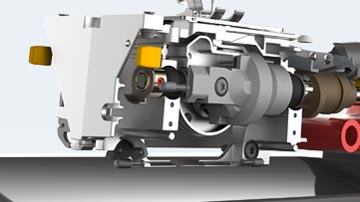
Small and Medium Businesses
Small and medium businesses (SMBs) are a vital source of innovation and productive disruption in the market.
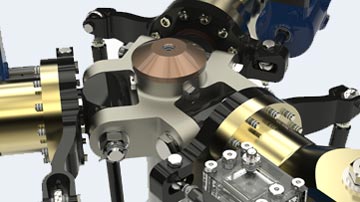
Startups
Getting a startup off the ground is no easy endeavor. We believe your CAD software should be a solution, not a problem.
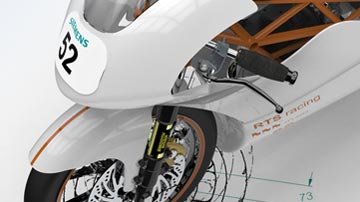
Students
Engineering is an exciting, challenging and rewarding discipline that offers opportunities in a diverse range of careers.

Educators
Prepare students—from elementary school through high school—for careers in STEM with a free campus-wide license.
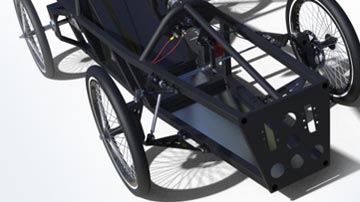
Hobbyists and Makers
Learn how easy it is to take your ideas from concept to reality, with Designcenter Solid Edge support for design, simulation and additive and subtractive manufacturing.
Customer highlight
Hall Designs finishes first with Designcenter Solid Edge
Trophy Truck racing is the highest level of the off-road sport, with some of the fastest vehicles out there. It is the unlimited class—pretty much anything goes. But Craig Hall knows that not just anything will get you over the finish line. Effective design is a critical factor in whether you finish first, or don’t finish at all. Craig, through his company Hall Designs, designs race car components and complete vehicles for many builders in the off-road industry. With trucks that can cost upwards of several hundred thousand dollars, the stakes are high, and with limited time between races, CAD design changes need to be made quickly.

The greatest thing is, with race car stuff, someone always wants better, faster, lighter. It allows me to be creative and come up with something new.
Craig Hall, Owner, Hall Designs
Using Designcenter Solid Edge with synchronous technology, Craig can design new components quickly, easily use and modify vendors’ CAD parts, and create realistic 3D models to share with customers—without having to create costly physical prototypes. Designcenter Solid Edge also offered something else that other available CAD software didn’t—a low cost of entry subscription model, allowing him to make the jump to starting his own business without the huge financial risk of an upfront software purchase.
News & Events
Designcenter Solid Edge News
Keep in touch to learn about the latest Designcenter Solid Edge product news, in-person and virtual events, and more.
Webinar replay
Electromechanical Design for Today’s Engineers
Learn the latest techniques in electromechanical design.
Webinar replay
Getting started with Technical Publications
Learn how to clearly communicate manufacturing, installation, assembly and maintenance procedures.
Webinar replay
Computational Fluid Dynamics (CFD) for Product Designers
Learn how to pull CFD upfront into the design process to examine trends.



